Drupal Configuration
Create Technical Account
It is recommended to create a dedicated technical user for the connector which has a role which again has the permissions to access the needed content.
To create a role click Add role under Manage → People → Roles:

Then define the name of the role and save it:

To define the permissions of the role go to Permissions under Manage → People:
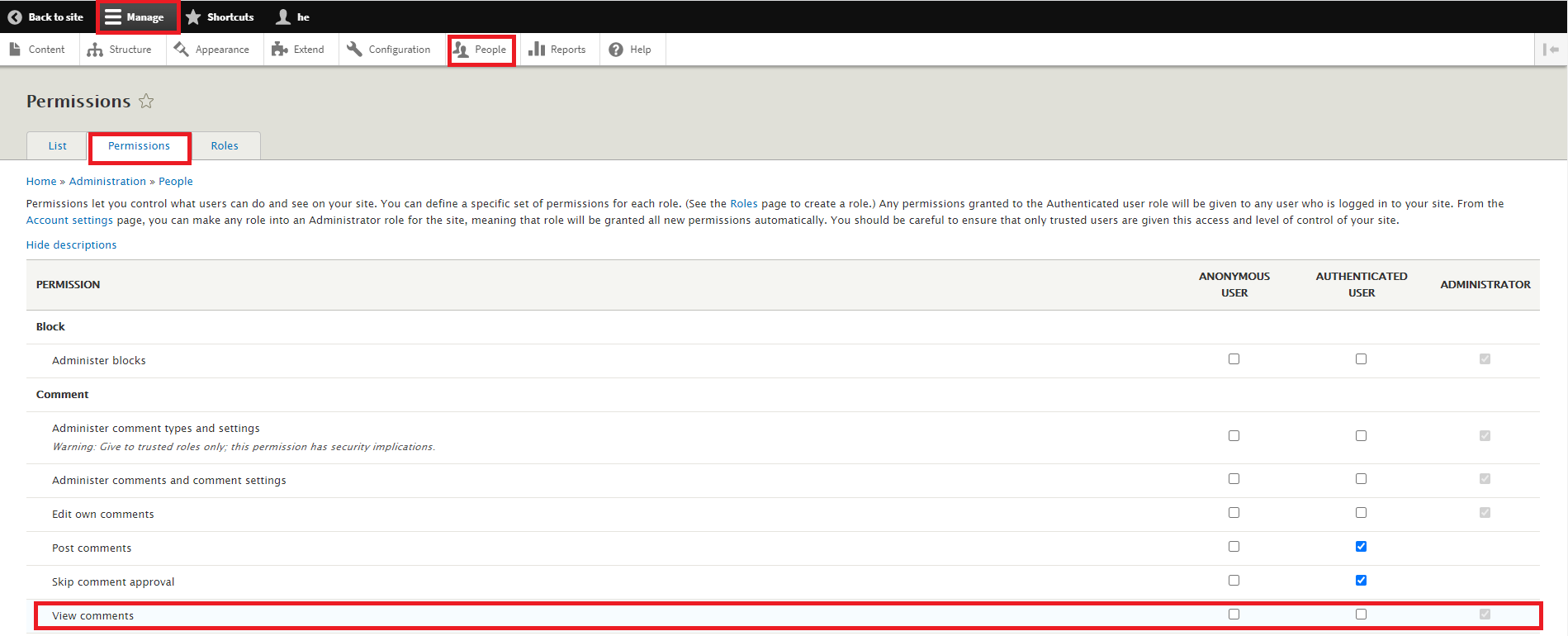
This image for example shows which user roles have the permission to view comments. In this case it is only administrators. The permissions for the other content can be set accordingly.
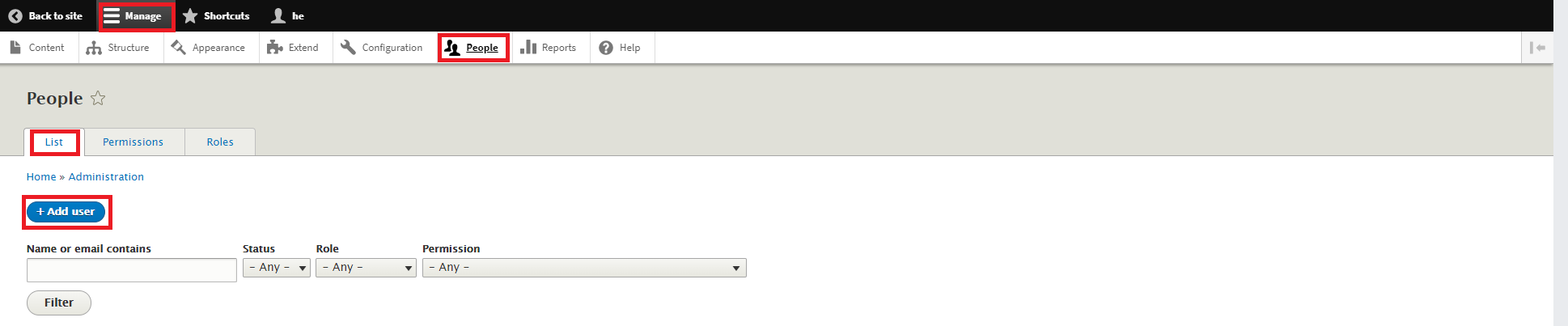
To finally create a technical user with a role click Add user under Manage → People → List:
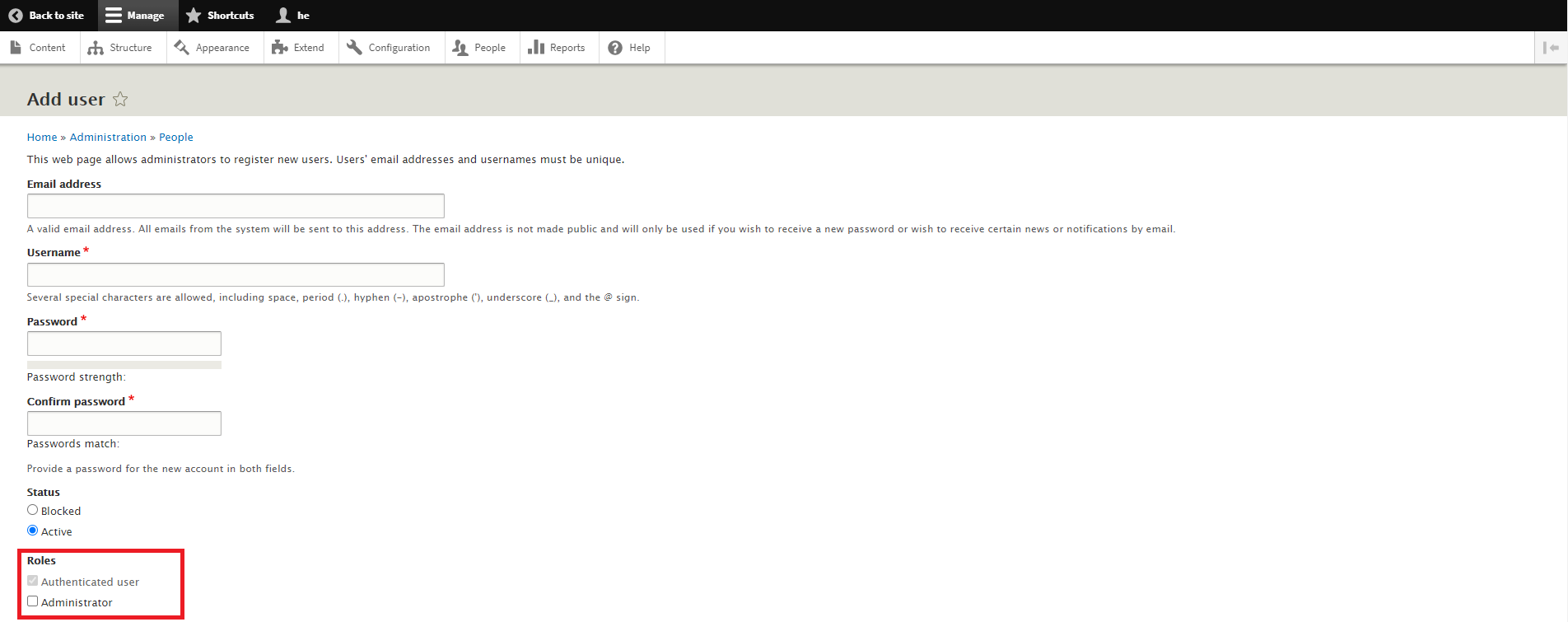
Then define the user and assign this user to a role. Next to other roles a user always has the role Authenticated user: