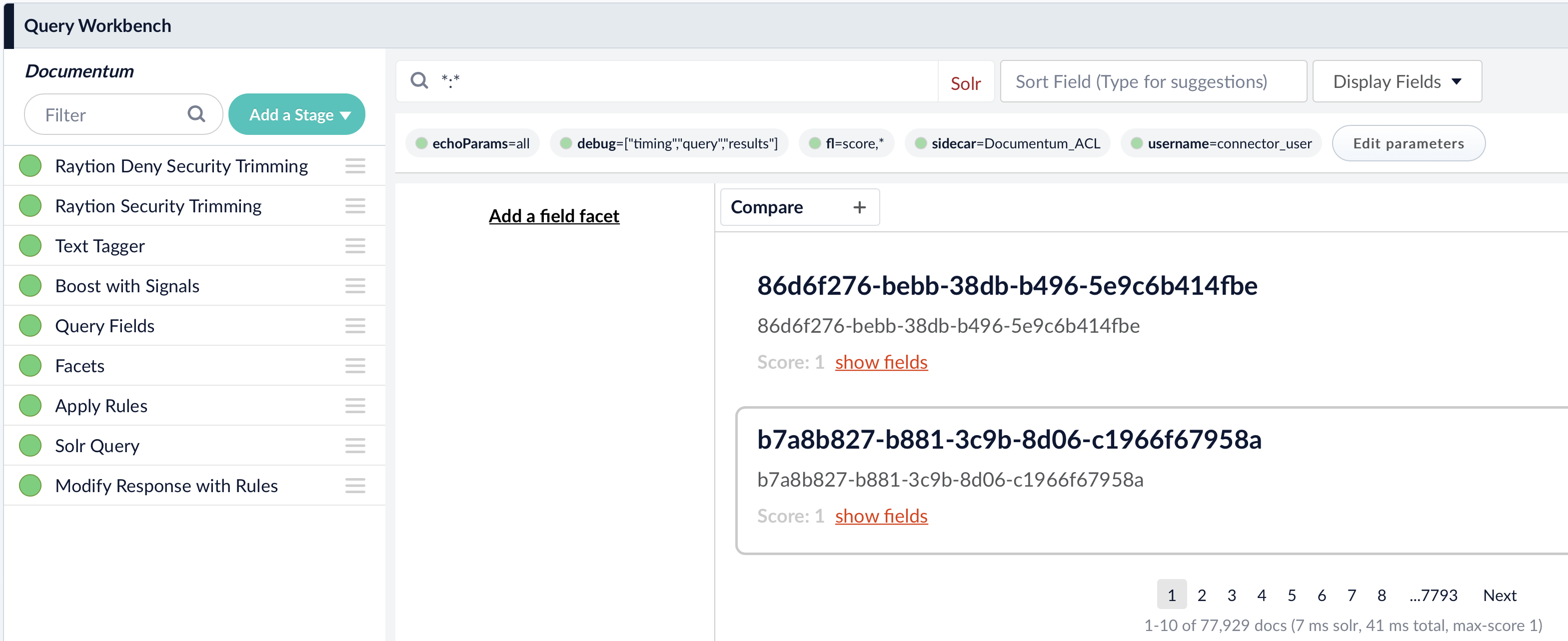
Lucidworks Fusion 5 Query Workbench
Quick Start
In order to verify the search result, use the Query Workbench inside your Fusion application.
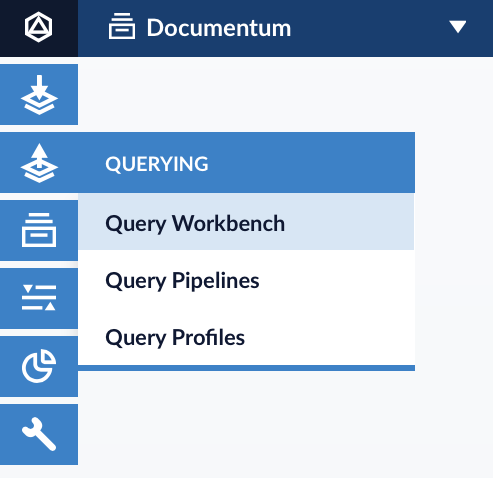
Navigate to Querying → Query Workbench:
Make sure that your configured the Raytion Security Trimming Stage and Raytion Deny Security Trimming Stage in your query pipeline.
Set the username parameter to the ID of the search user.
The Solr wildcard search with query string *:* will return all items in your content collection considering the Access and Deny Access Control List of the items for the user specified in the username parameter.